 Fall 2026
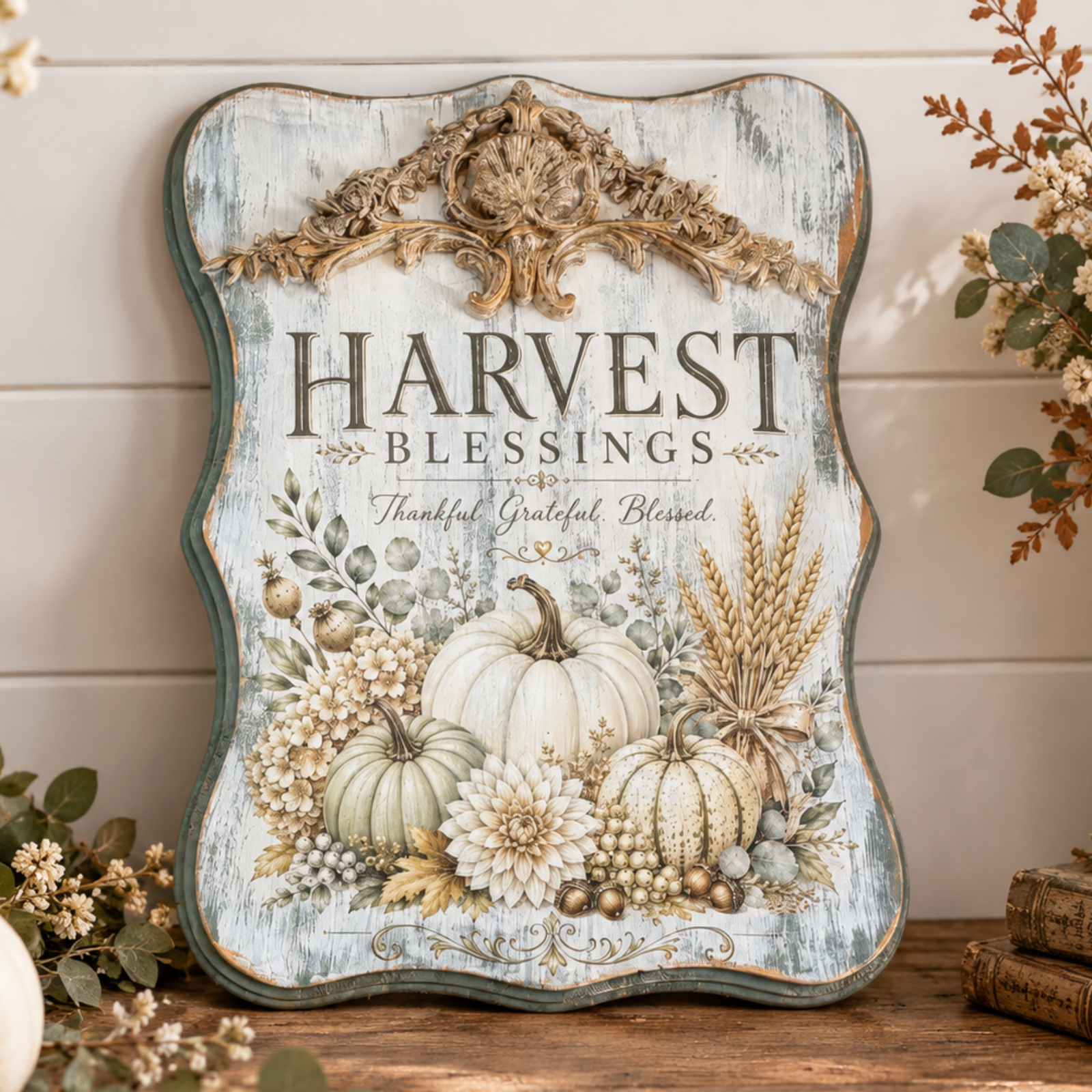
 🍂 Harvest Blessing: A Vintage-Inspired Plaque with a Touch of Golden Glow
Featuring Melissa Bradshaw
Give a simple wood plaque a beautiful autumn makeover with the Harvest Blessing Transfer! Layer distressed ...


Get ready for some festive DIY fun! In this tutorial, Melissa Bradshaw of Junk and Craft Treasures walks us through creating a layered stencil “Merry Christmas” wood round featuring Santa and Rudolph. This cozy Christmas project uses Essential Stencil’s new layered stencil collection — perfect for creating dimensional designs with beautiful detail.
Lay a strip of painter’s tape across the middle of your 18" round board to divide it in half. Paint the bottom half red, then apply a second coat for a bolder finish.

Once dry, remove the tape and reposition it slightly over the red edge. Paint the top half white and apply a second coat for full coverage.

When the paint is completely dry, lightly sand the surface for a smooth finish.

Place Layer 1 of the stencil at the top section of the board. Using off-white paint, fill in Santa’s design with your stencil brush.

Next, fill Rudolph’s face with light brown paint and his collar with red. Apply a second coat for a brighter finish, then carefully lift the stencil.

Align Layer 2 of the stencil and fill Santa’s hat and suit with red paint.

Mix cream, a touch of orange, and white to create a soft beige tone for Santa’s face. Apply evenly and let it dry before moving on.

Use another clean stencil brush to fill Rudolph’s details with dark brown paint. Apply a second coat if needed, then lift the stencil carefully.

Position the face layer from the stencil pack, aligning it carefully with both Santa and Rudolph. Fill in facial details with black paint.

Place the “Merry Christmas” word stencil on the bottom half of the board. Fill with white paint, let dry, and apply a second coat for a crisp, bold look.

Reposition Layer 3 and fill the snowballs with green paint for a festive pop of color.

Once dry, you’ll have a perfectly layered, merry design ready to hang or gift!

This festive project was created by Melissa Bradshaw of Junk and Craft Treasures. Known for her rustic farmhouse style and approachable teaching, Melissa loves helping crafters grow their confidence with layered stencils and transfers. Follow her page for more weekly inspiration and Essential Stencil project ideas!
See Melissa’s full step-by-step process in her live replay below:
Grab your Santa & Rudolph Greetings Door Hanger Stencil and Stencil Brush Set today from Essential Stencil to make this merry design yourself. Don’t forget to share your finished projects in the Essential Stencil VIP Craft Group for a chance to be featured!
Fall 2026 Featuring Melissa Bradshaw

 Fall 2026
 Featuring Cindy Berry